
Services
Virtualization
We design and deliver virtual environments that help organizations run servers more efficiently, make better use of resources and simplify management, scaling and recovery.
Key capabilities
- VMware
- Proxmox
- Linux
- Windows Server
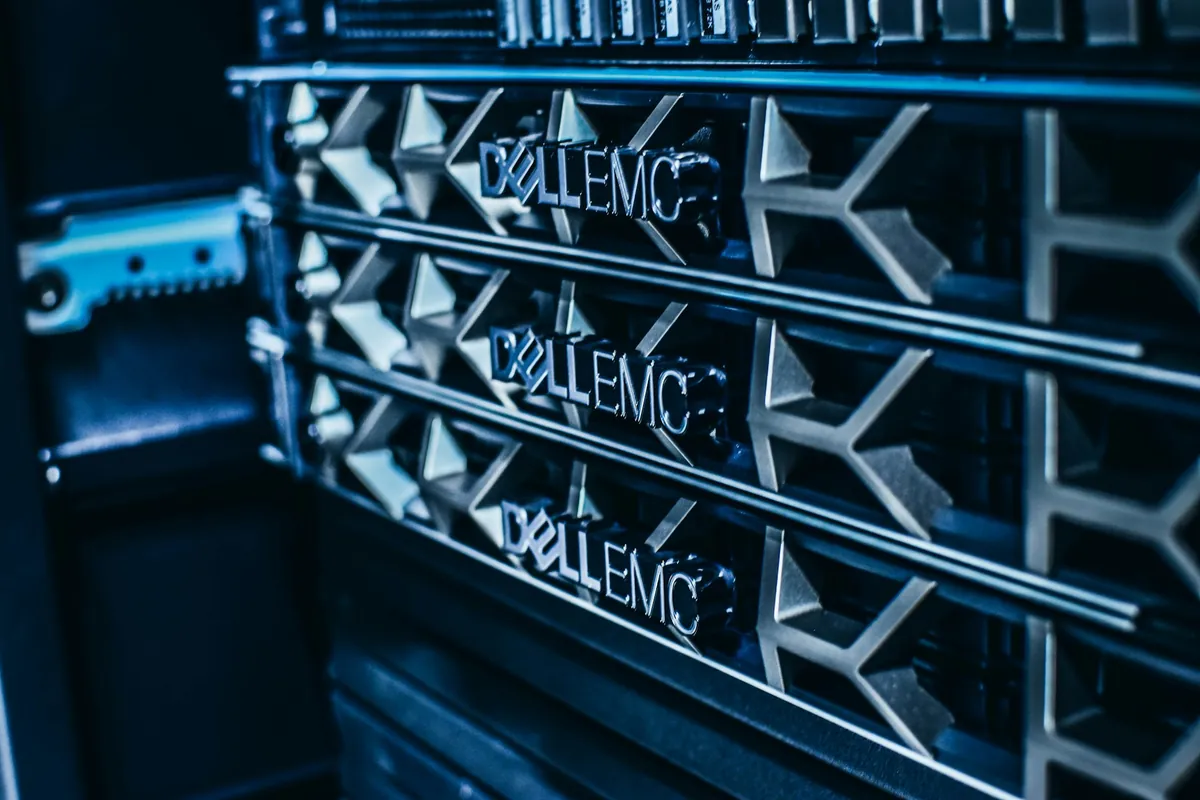
Technologies & platforms we work with

































Overview
Virtualization lets you run many servers on fewer machines, with more flexibility to manage, scale and recover. We design and deliver VMware and Proxmox environments sized to your organization and its real workloads.
VMware
Designing, deploying and managing VMware vSphere environments.
Proxmox
Open-source virtualization with lower licensing cost and central management.
Virtual Environment Design
Sizing hosts, storage and networking to real workloads.
Server Migration (P2V)
Moving physical servers to virtual machines with minimal downtime.
High Availability
Automatic restart of virtual machines when a host fails.
Backup & Restore
Virtual machine backup and fast recovery when needed.
About Virtualization
Virtual Environments That Run Your Servers More Efficiently
In many organizations every system runs on its own server: lots of hardware, higher power use, hard maintenance and a full stop when one machine fails. Virtualization changes that by running servers as virtual machines on one managed platform.
We start by inventorying servers, systems and workloads, then design hosts, storage and networking, and choose the right platform: VMware for large enterprise environments, or Proxmox for a strong solution with lower licensing costs. Existing servers are migrated in phases, with every system tested.
After go-live we enable high availability, virtual machine backup and monitoring. The result: less hardware, easier management, faster recovery and room to add new systems in minutes.
From Assessment to Operation
How We Work
- 01
Site Assessment
We understand your current setup, problems, needs and operating constraints.
- 02
Design
We define the right solution for your facility, planned for growth and budget.
- 03
Implementation
We prepare hosts, storage and networking, then migrate servers to the virtual environment in phases.
- 04
Testing & Documentation
We test performance and document the infrastructure and settings before handover.
- 05
Support
We stay with you through TLC Care for maintenance, monitoring and upgrades.
More services
Related services.
IT Infrastructure & Cabling
Server rooms, racks, power and UPS, structured cabling and fiber.
IT Infrastructure Design / Server Room Design / Network Rack DesignSystems & Servers
Linux, Windows Server, Active Directory, DNS, DHCP, SQL and server migration.
Linux / Windows Server / Active DirectoryNetwork Infrastructure
Wired and wireless networks, branch links, VLAN, VPN, SD-WAN and monitoring.
Network Design / LAN / WAN / VLAN DesignBackup & Disaster Recovery
Local and cloud backup, disaster recovery and restore testing.
Backup Strategy / Local Backup / Cloud BackupFAQ
Good to know.
What is the difference between VMware and Proxmox?
VMware is a widely used commercial platform in large enterprises; Proxmox is a strong open-source platform with lower licensing cost. We recommend based on size, budget and available skills.
Can our current servers be moved to a virtual environment?
Yes, through an organized physical-to-virtual migration, tested before the final cut-over.
What happens if a host fails?
With high availability, virtual machines restart automatically on another host within minutes.
Do we need shared storage?
For high availability usually yes; we size the storage type and capacity to workloads and budget.
Want to Run Your Servers More Efficiently, for Less?
Tell us about the servers and systems you run today, and we will propose the right virtual design.